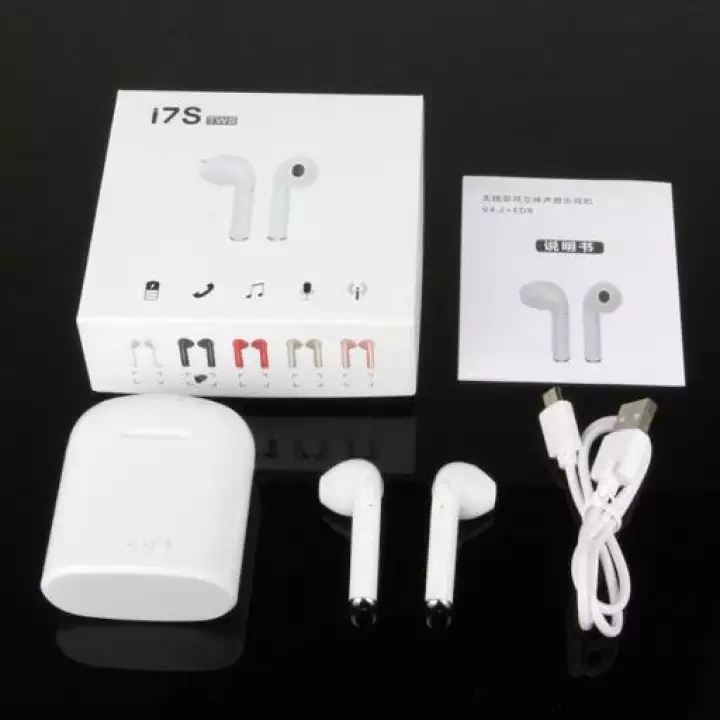
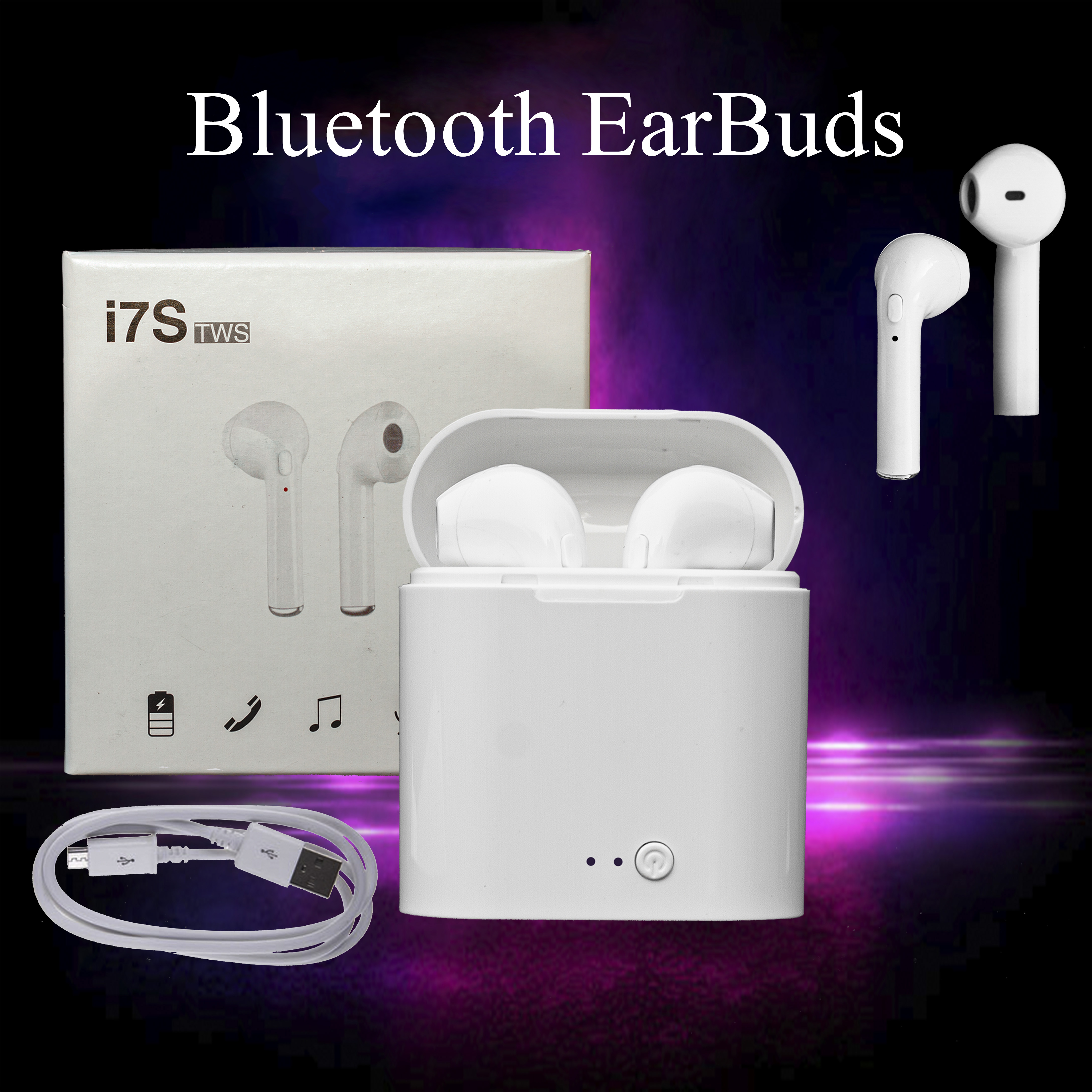
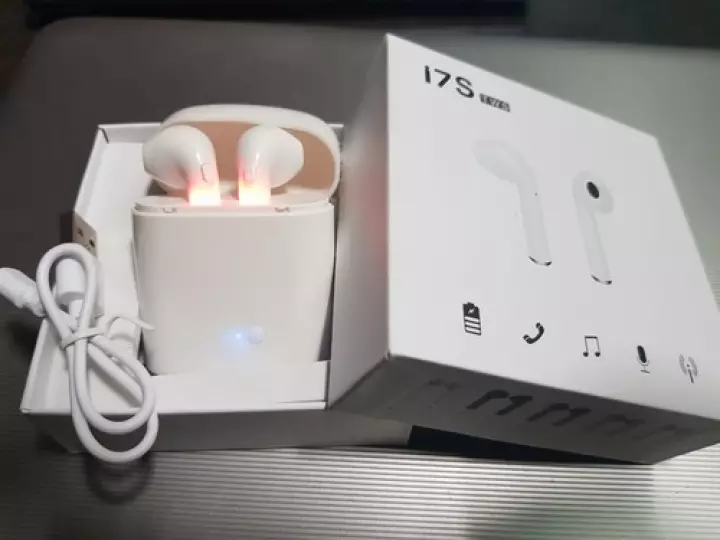
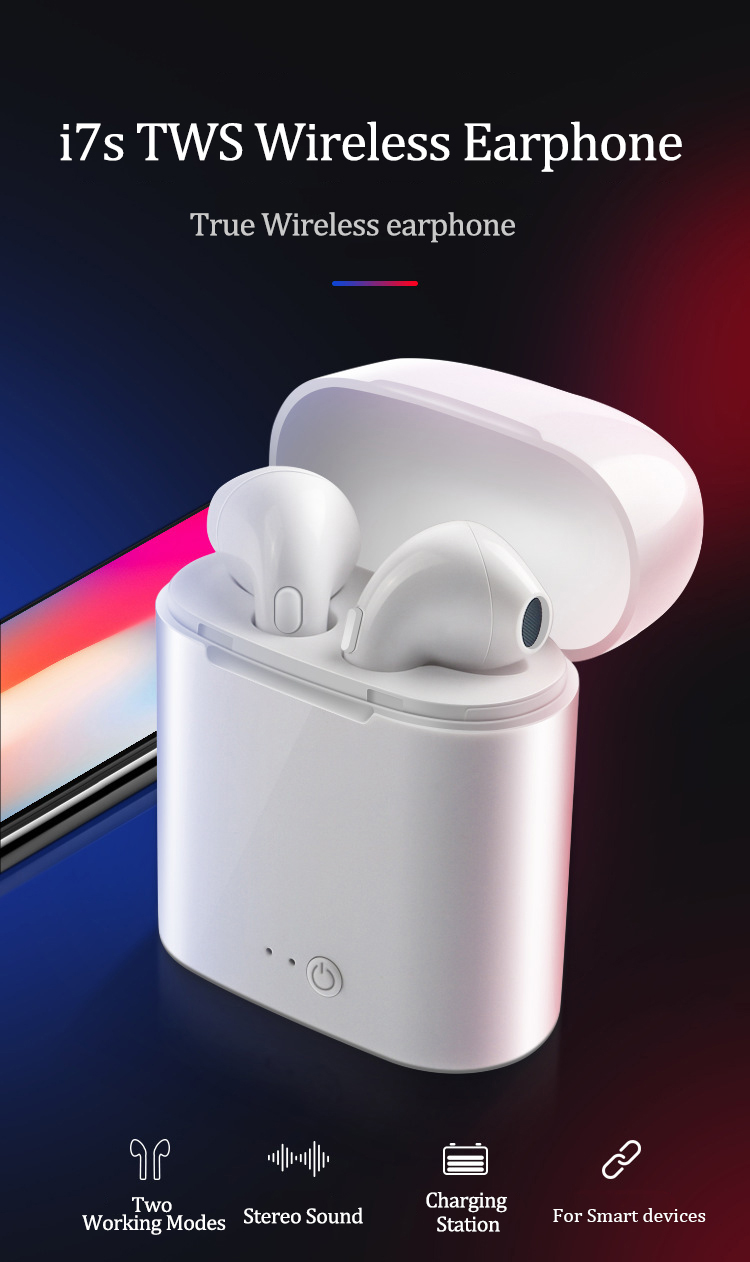
The Bluetooth earbuds have Bluetooth wireless V5.0 + EDR (Enhanced Data Rate). These EarPods ensure ultra-low power consumption. These Bluetooth Earphones work on the Bluetooth Frequency of 2.40 GHz.
This Wireless Bluetooth Handsfree keep you entertained upto 12 meters of range.The Bluetooth Earphones come with a massive 65 mAh rechargeable Li-ion battery and Wireless Charging Case has the battery capacity of 950 mAh.
This Bluetooth Handsfree with Mic gives you talk/play time of 3-4 hours, if using single earbud. For the pair, it supports talk/playtime of 2 hours. The Bluetooth headset gets fully charged in 1-2 hours. The Bluetooth Earphone Headset is supported with speaker impedance of 32 Ω. The microphones sensitivity of these wireless earbuds is optimized at 42 dB.
Instructions About Pairing of EarPods with your Phone:
These Bluetooth earphones support both Biaural(Dual) and Monoaural(Single) earbuds pairing mode, follow the below instructions:
1.Pairing with Single Earbud
Step 1: Long press the multi-function button onearbud until the LED flashing in red and blue alternatively.
Step 2: Turn on the Bluetooth on your mobilephone.
Step 3: Select earbuds name; on your list ofnearby devices, there would be reminding voice from your earbud saying connected.
Step 4: Now you can enjoy music or makingphones calls, it supports reporting incoming calls.
Pairing with Dual Earbud
Step 1: Long press the multi-function buttonsof both sides at the same time until the led flashing in red and bluealternately.
Step 2: Then long press either one earbud topair, there would be reminding voice; ready to pair.
Step 3: Turns on the Bluetooth on yoursmartphone.
Step 4: Choose earbuds name to connect, whenthe LED flash slowly in blue, they pair successfully.
Instructions for the use of these Bluetooth EarPods:
1. Makephone calls: Make sure the headphones are connected to your mobile phone andthen you can make phone calls. When making calls, there is only one workingside earphone. Answer the call by lightly pressing the power button once, andit refuses to answer by quickly pressing the power button twice.
2. Listeningto music: Make sure the headphones are connected with your mobile phone, thenyou can listen to music from your music list. Briefly press the power button tostop the music and play again by pressing again.
3. Poweroff: Press and hold the power button until the LED is red when not in use, theBluetooth device will go into off mode, it will automatically power off whenthe earphones are away from your Bluetooth device for 5 minutes, no need toworry about the power exhausted.
4. Charging:A sound is emitted that reminds when the battery is low and the LED blinks redat the same time. When taking charge, the led would be red and will turn bluewhen fully charged.
Note: Earbudswill be forced to turn off when charging even if they are on before charging.
 english